$425.00
10 in stock (can be backordered)
Description
Lead Time:
5 work days
Download User Manual: SHMG01 User Manual
Download Cutout file in DXF format: GaugeModuleCutouts.dxf
Feartures:
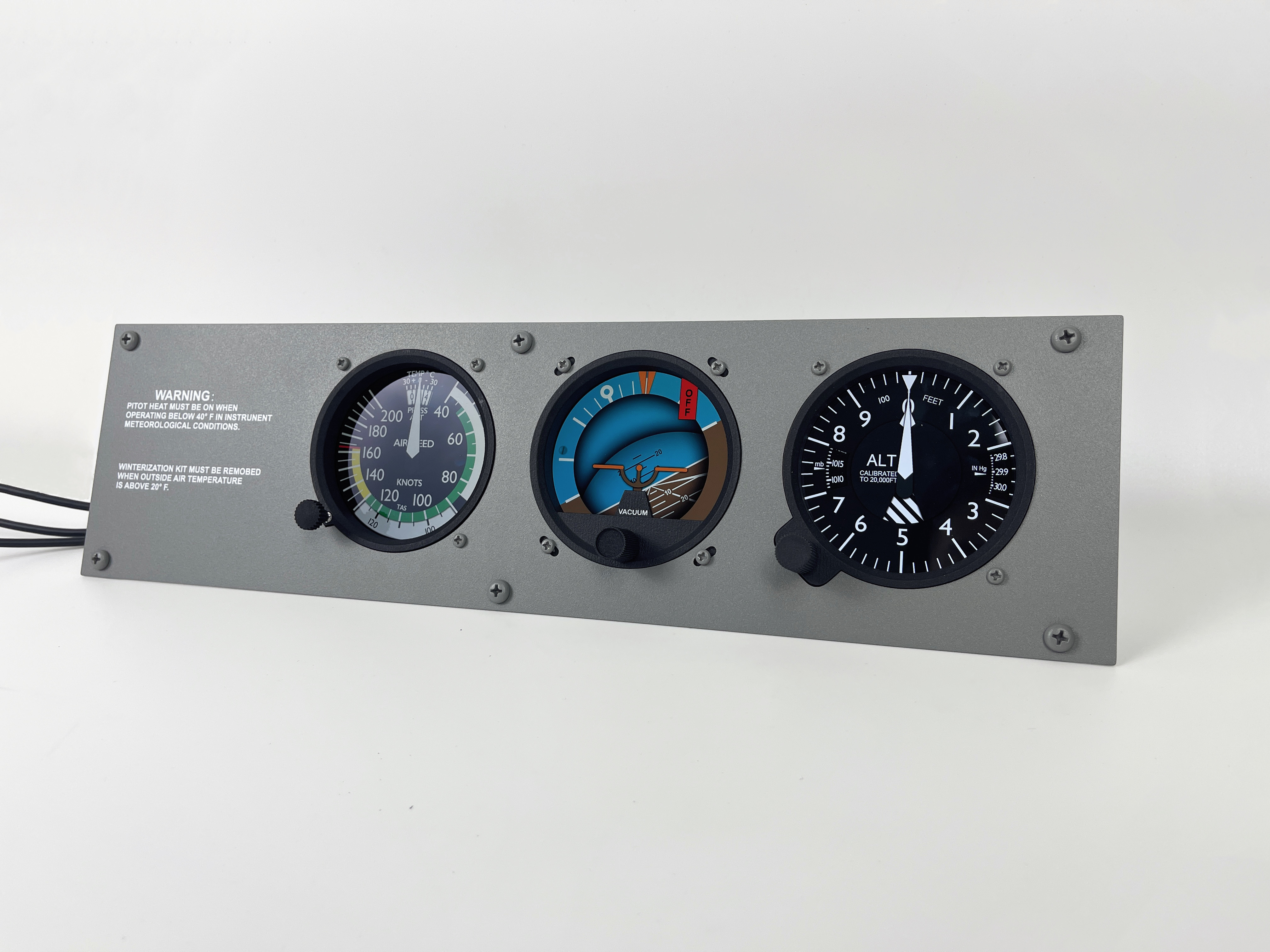
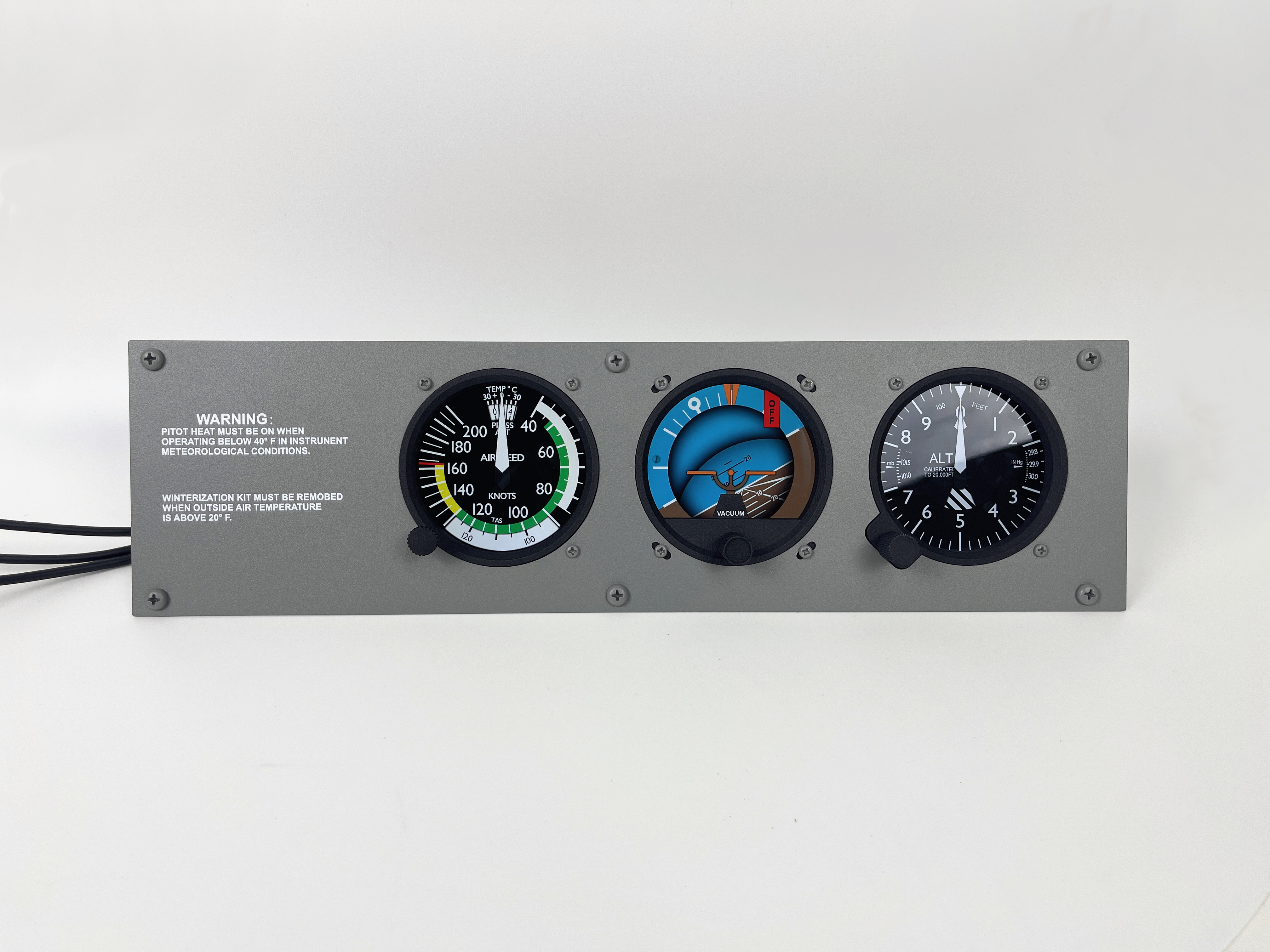
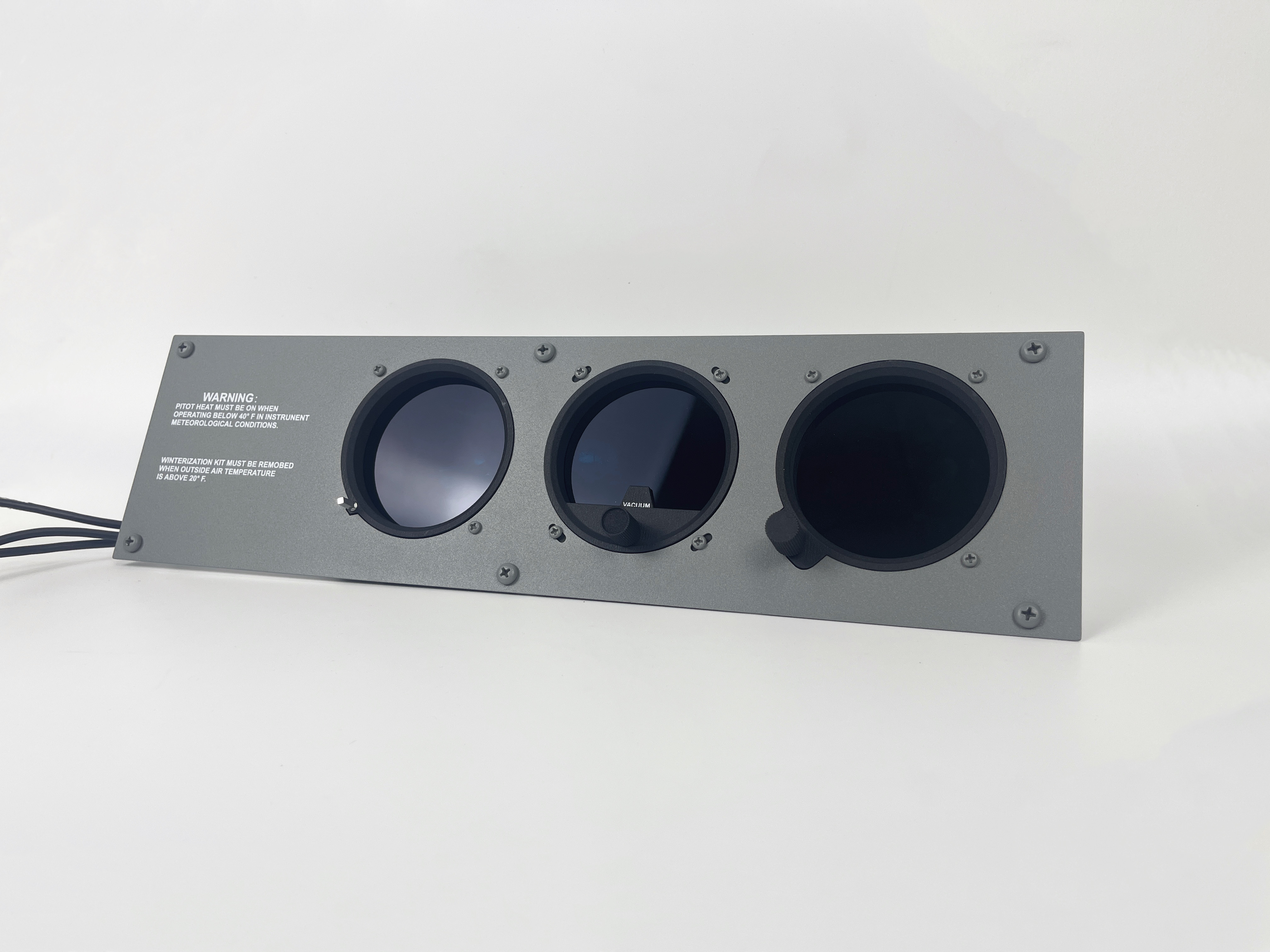
1. Standby gauges for Cessna 172 with painted and printed panel
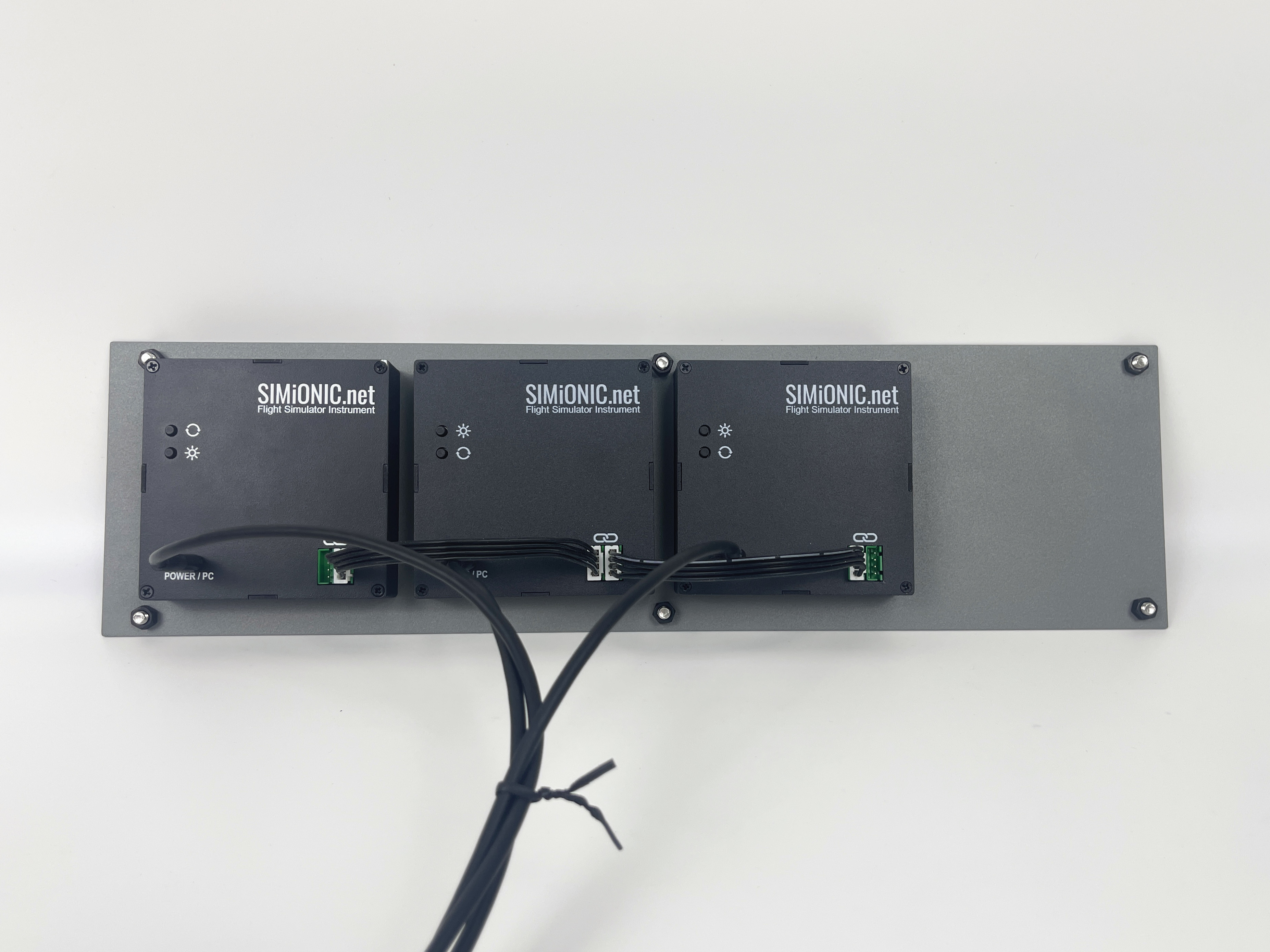
2. Including 3 of our Android based multi-functional instrument modules with high resolution and high fresh rate
3. Self sustaining, communicate with computer via USB port, no display port needed
4. Support both X-Plane and MSFS(also FSX/P3D)
5. Adjustable brightness
6. Working knobs for all the 3 gauges
Remark:
Each gauge is powered independently. Except for the one connecting to the computer, 2 USB powers with a minimum of 10W output for each is required for the other 2 gauges.
Shipping:
Worldwide from China via DHL Express
Refund Policy:
If you are not satisfied with your purchase, please contact us in 15 days from the receiving date to get a full refund or exchange. Returned or exchanged products must be in the condition you received them and in the original box and/or packaging.
Shipping towards us as well as shipping from us towards the client shall be paid by the client. We may require pre-payment of return shipping costs in advanced by bank prepayment or other type of payment.
Additional information
| Weight | 2.5 kg |
|---|---|
| Dimensions | 500 × 140 × 180 mm |

josh –
Guys hi there. The gauges are looking so promising . however this is not a review but a questions to those but the gauges. is it possible to use them for NDB/ VOR as well? how about ASI for Cessna 152?
thanks
Li Chen –
ASI is configurable for different aircrafts. The latest version includes VOR and ADF gauges. Will release them soon.
Eyad (verified owner) –
purchased a year ago, solid quality panel and the display is amazing….not sure how to make them functional as no instruction on what is needed to do so (not plug and play)….i’m sure there is an answer but no luck so far.
Li Chen –
Hi Eyad, sorry that I just saw your comment. The user manual can be downloaded from our website. A plugin/program is needed to make the gauges work with X-Plane or MSFS which are available on our download page.
Ralph (verified owner) –
I purchased this panel quite a while ago and I’m very happy with it. There are 2 things I would like to see fixed:
1.) When turning the know for the altimeter, you need to turn very very slowly, otherwise the turning is not recognized. When I fly my real Cessna, I usually just turn the knob to show field elevation and when I do the same with the simulator panel it would just flicker a bit. This must have to to with the programming of the interface with the encoder. Maybe consider making it interrupt driven.
2.) There is a typo on the print of the panel in the word “REMOVED”
It should read “WINTERIZATION KIT MUST BE REMOVED”
Thanks