Version 3 available
Navigation database update to cycle 1601
Rivers and lakes on MFD
GPS approaches
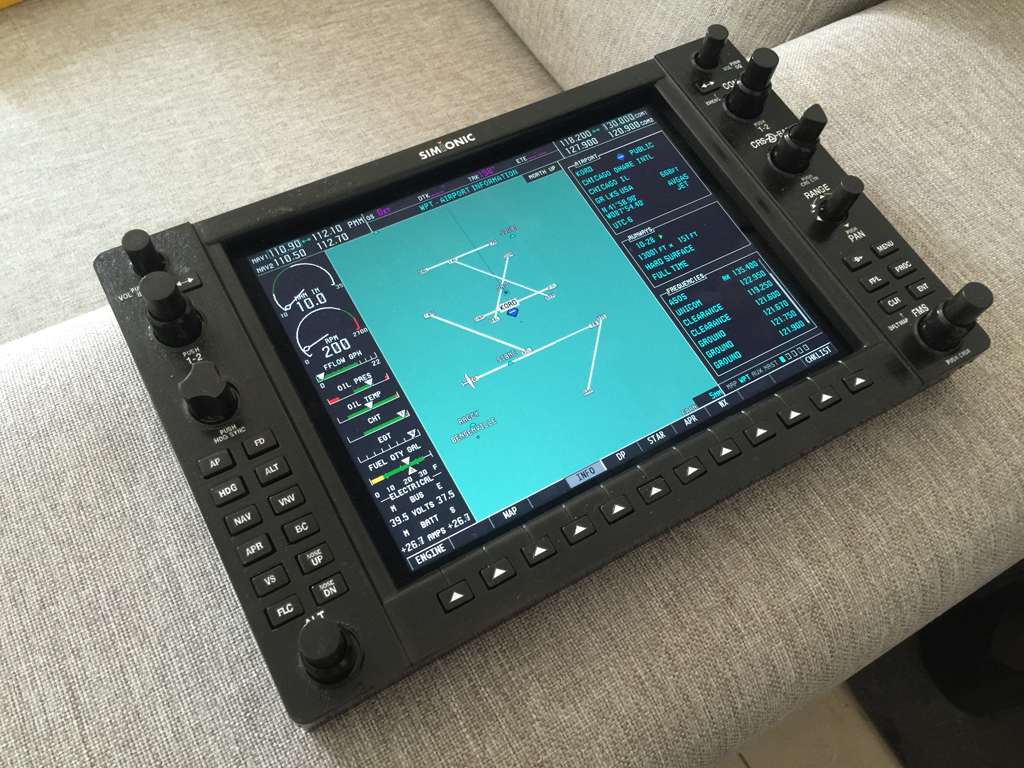
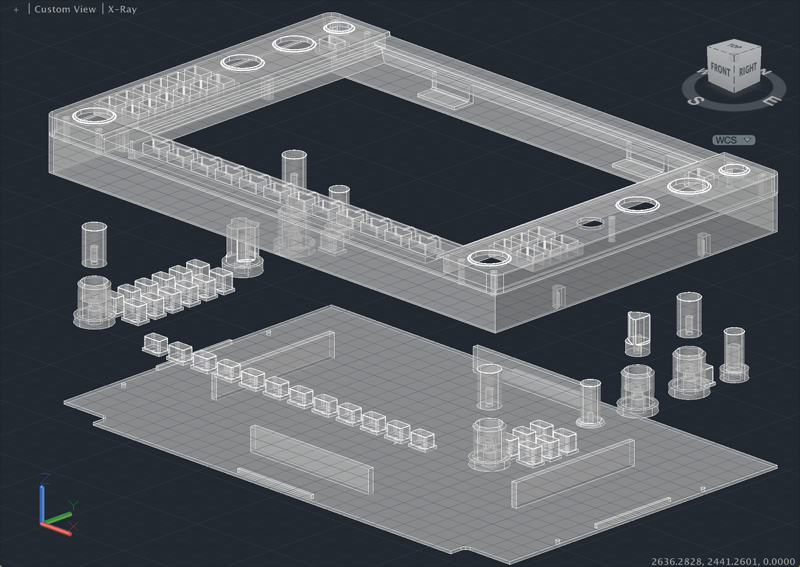
Support for hardware bezel
Many other improvements and bug fixes
Get more with flightsim
Navigation database update to cycle 1601
Rivers and lakes on MFD
GPS approaches
Support for hardware bezel
Many other improvements and bug fixes
Version 2.2.0 for both PFD&MFD are available on App Store now. This is a major update. From time to time, users are complaining about the reliability of the connection between the PFD&MFD. That was something out of my control since I was using Apple’s GameKit to make the connection. In this update, the connection is changed to pure wifi connection via IP network. It makes the connection much more reliable and efficient. There are also supports for new aircrafts(C172S/C172R/C206H). Users can fly the most popular Cessna 172SP with full support in the apps now.
Auto-reconnect functionality is added to the newest G1000Bridge(X), so you won’t need to switch to the program/plugin to hit the button to get connected again once the connection between the G1000 app and FSX/Prepar3D/X-Plane is lost or you need to swith to other apps on iPad occasionally.
For a long time, there are users complaining about the connectivity in the app. They lost connections either with Prepar3D/FSX/X-Plane or with the other half of G1000(PFD/MFD). My recent research shows that all those are caused by the reliability of the wifi network. It’s not a matter of the quality of the wifi signal(of course bad signals always lead to low network reliability), but the load on the network, in other words, how busy the network is. Your may have a very good signal on the wifi connection, you may even downloading or watching HD movies online without any sluggishness, but you may experience continuous connection lost in the G1000 apps. That is because the network band width is occupied by other applications that the app cannot transimit or receive data frequently enought to keep the app act smoothly or even lose the connection. The key to keep the connection is not how fast the communication is(like watching online movies), but how continuous it is. So keep other applications from occupying the network band width is important to avoid loss of connection for the G1000 apps.
I will make modifications to the brdige and the app, adding some auto reconnecting function to compensate the lost of connection when under such wifi condition. Please sitck around for the updates. But remember, the key to ensure a smoothly experience is to reduce network load.
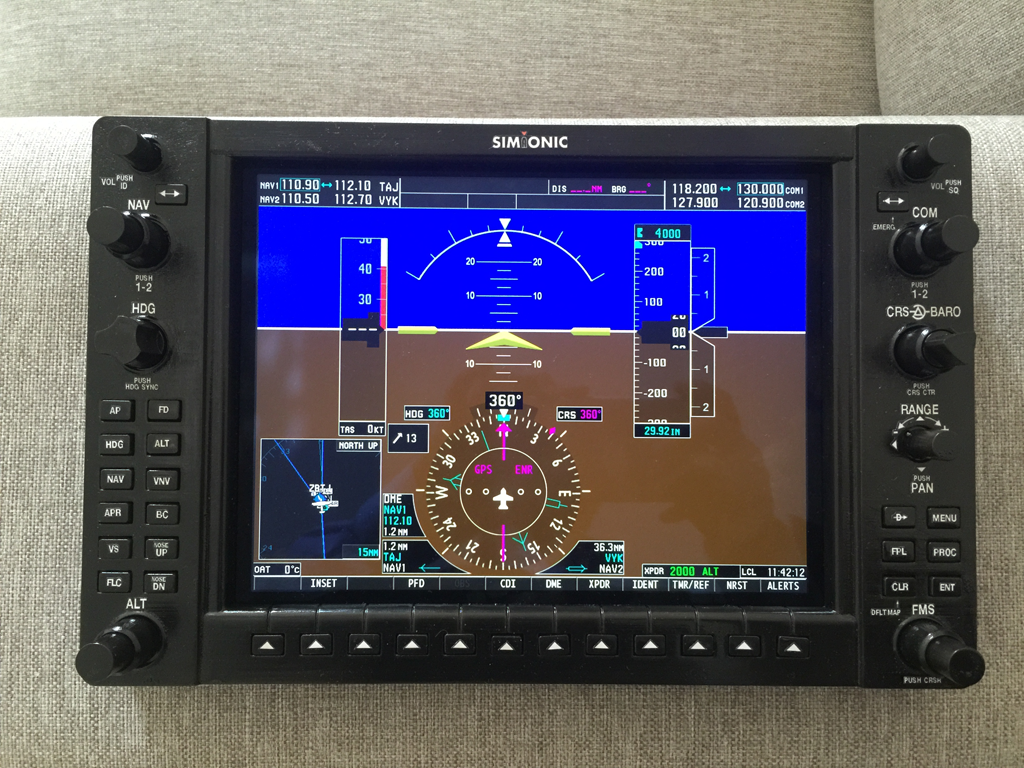
Recently I’ve been asked whether the PFD can work with the latest X-Plane v10.41 and Windows 10. After having tested, it’s now confirmed that the plugins for X-Plane run well under both Mac OS X and Windows 10 with the latest X-Plane v10.41. However, users running X-Plane in 64-bit mode under Windows 10 need to install the 64-bit VC++ 2010 Redistributable package to make the plugin work properly. Links are provided on the download page.
For a long time I’ve been asked whether the PFD can be connected with Prepar3D. Now it’s confirmed that the answer is yes. Just use the same G1000Bridge for FSX to connect the PFD with Prepar3D. But you may need to install SimConnection manually from the Prepar3D folder, find it in redist\Interface\FSX-SP2-XPACK\retail\lib.